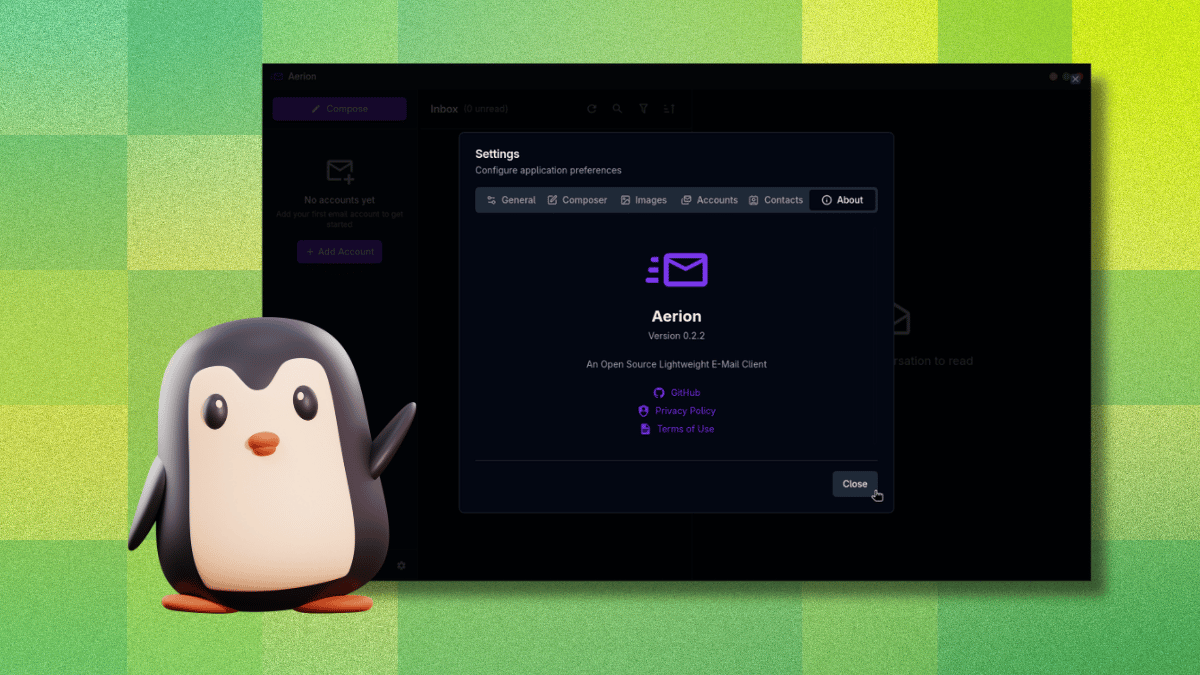
If you spend a good chunk of your day wrestling with an overflowing inbox, you've probably considered using a dedicated desktop email client. These apps promise to unify multiple accounts, offer snappy performance, and keep your messages offline. I recently gave them another shot after years of relying on webmail, and a new open-source project called Aerion caught my attention. Here are ten things you need to know about this promising – but still evolving – email client.
1. Aerion Is a Lightweight Open-Source Alternative
Aerion isn't just another Electron-based behemoth. It's built using Wails and Svelte, which makes it surprisingly nimble on system resources. The project is maintained by a small team backed by 3DF, covering infrastructure and development costs. Its design takes cues from GNOME's Geary, focusing on a clean, distraction-free interface without the accumulated bloat of older Linux email clients. For anyone tired of sluggish web apps or heavy desktop suites, Aerion offers a fresh start.
2. It Has a Real Security Certification
You might be wary of trusting an indie app with your email credentials. Aerion addresses that concern head-on with a CASA Tier 2 certification, verified by TAC Security – a Google-authorized assessor under the App Defense Alliance. This means an independent third party scanned the codebase against OWASP ASVS standards. For a small project, that level of scrutiny is a huge reassurance. Your emails and account access are handled by software that's been audited for vulnerabilities.
3. No, It’s Not Electron – Here’s What Runs Under the Hood
When you hear “desktop app built with web technologies,” Electron comes to mind. Aerion avoids that trap by using Wails (a Go framework) and Svelte (a reactive JavaScript compiler). The result: faster launches, lower memory usage, and a more native feel. The UI remains snappy even when syncing multiple accounts. This tech stack also simplifies cross-platform builds, meaning Linux, Windows, and Mac users all get the same responsive experience.
4. It Works with Most Major Email Providers
Aerion supports Gmail, Microsoft 365/Outlook, iCloud Mail, Proton Mail (via the paywalled Proton Bridge), GMX Mail, and generic IMAP/SMTP setups. It also lists Yahoo, Fastmail, Zoho Mail, AOL Mail, and Mail.com, though these were untested at the time of writing. This broad compatibility means you can likely replace your webmail tabs for all your everyday accounts. Pro tip: OAuth flows work smoothly for Gmail and Outlook, but IMAP accounts require manual server settings.
5. It Packs Essential Features – and a Few Nice Surprises
Aerion covers the basics you’d expect from a modern email client: support for multiple accounts, conversation threading, a WYSIWYG composer powered by TipTap, contact sync via CardDAV/Google/Microsoft, and multiple color themes. For power users, it offers keyboard navigation with vim-style shortcuts. That last feature is a rare find; you can zip through your inbox, archive, and compose without touching the mouse. It’s perfect for keyboard-centric workflows.
6. Setting Up Gmail Is Butter-Smooth (Mostly)
Adding a Gmail account triggers a streamlined OAuth flow. Aerion opens your default browser for Google’s permission page, and once you approve, it redirects back to the app – fully authenticated. No manual app passwords, no token copying. The process took me less than a minute. However, there’s a catch: if you accidentally click outside the “Add Email Account” window while it’s open, the whole dialog vanishes without warning. You’ll have to start over, which is frustrating. Hopefully, a future update will add a confirmation prompt.

7. The Accidental Click Bug Is a Nasty Gotcha
During setup, I learned the hard way that Aerion’s account-add window is fragile. If you misclick anywhere outside that modal, it closes instantly and discards your progress. No “Are you sure?” – it just vanishes. This is especially annoying when adding multiple accounts or dealing with complex IMAP settings. The developers are aware of this issue and plan to fix it. Until then, be extra careful when configuring your accounts.
8. It’s Still Pre-Release Software – Expect Rough Edges
Aerion is in active development, and the official website labels it as pre-release. That means occasional crashes, missing features, or UI quirks. During my testing, I encountered a few lags when loading large folders and a rare sync delay with iCloud. The team is responsive on GitHub, and updates roll out frequently. If you’re comfortable with beta-level software, dive in; if you need rock-solid reliability for mission-critical email, you might wait for a stable release.
9. It Competes with Thunderbird and Geary – But Lighter
Aerion’s closest rivals are Thunderbird (feature-rich but heavy) and Geary (minimalist but limited). Aerion aims for a middle ground: it offers more customization than Geary (themes, vim keys) while staying lighter than Thunderbird. Its modern tech stack gives it a speed advantage, especially during startup and folder switching. For Linux users who want a clean GTK-like experience without Java or Electron, Aerion is a compelling choice.
10. Should You Switch? A Balanced Verdict
If you value security, lightweight performance, and a keyboard-friendly interface, Aerion is worth a try. Its security certification, vim shortcuts, and broad provider support are standout features. However, the accidental-click bug and pre-release stability may put off less patient users. My advice: install it alongside your current email client, test it for a week, and see if the speed and minimalism win you over. If the team smooths out the rough edges, Aerion could become a daily driver for many email power users.
Desktop email clients aren’t dead – they’re evolving. Aerion proves that a small, open-source team can deliver a modern, secure alternative to bloated web apps. Give it a shot, and you might just leave your browser tabs behind.